
Getting paid
Stop chasing payments before you cut
Starting jobs on trust, or sending awkward reminders? Here's how to get paid up front, by card, without a single chasing message.
How payment works now
The customer says “yes, go ahead” in a message. You send an invoice, or your bank details, or a payment link. Then you wait.
Some pay straight away. Some pay when they remember. Some never do, and you find out after you’ve already cut their job.
The awkward bit
Nobody enjoys chasing money. You don’t want to sound pushy with a new customer, so you leave it a few days, then send a “just checking in” message, then another.
Or you play it safe and wait for payment before cutting, which means jobs sit in limbo and you have to keep checking your bank to see who’s paid.
What it costs
Say you spend a couple of minutes on each unpaid job: checking the bank, sending a reminder, updating your notes. With 10 jobs a week waiting on payment, that’s well over an hour a week.
Then there’s the bigger cost. A job cut on trust that never gets paid wastes the material, the machine time and your evening. One of those a month can wipe out the profit on several good jobs.
What it looks like when it’s fixed
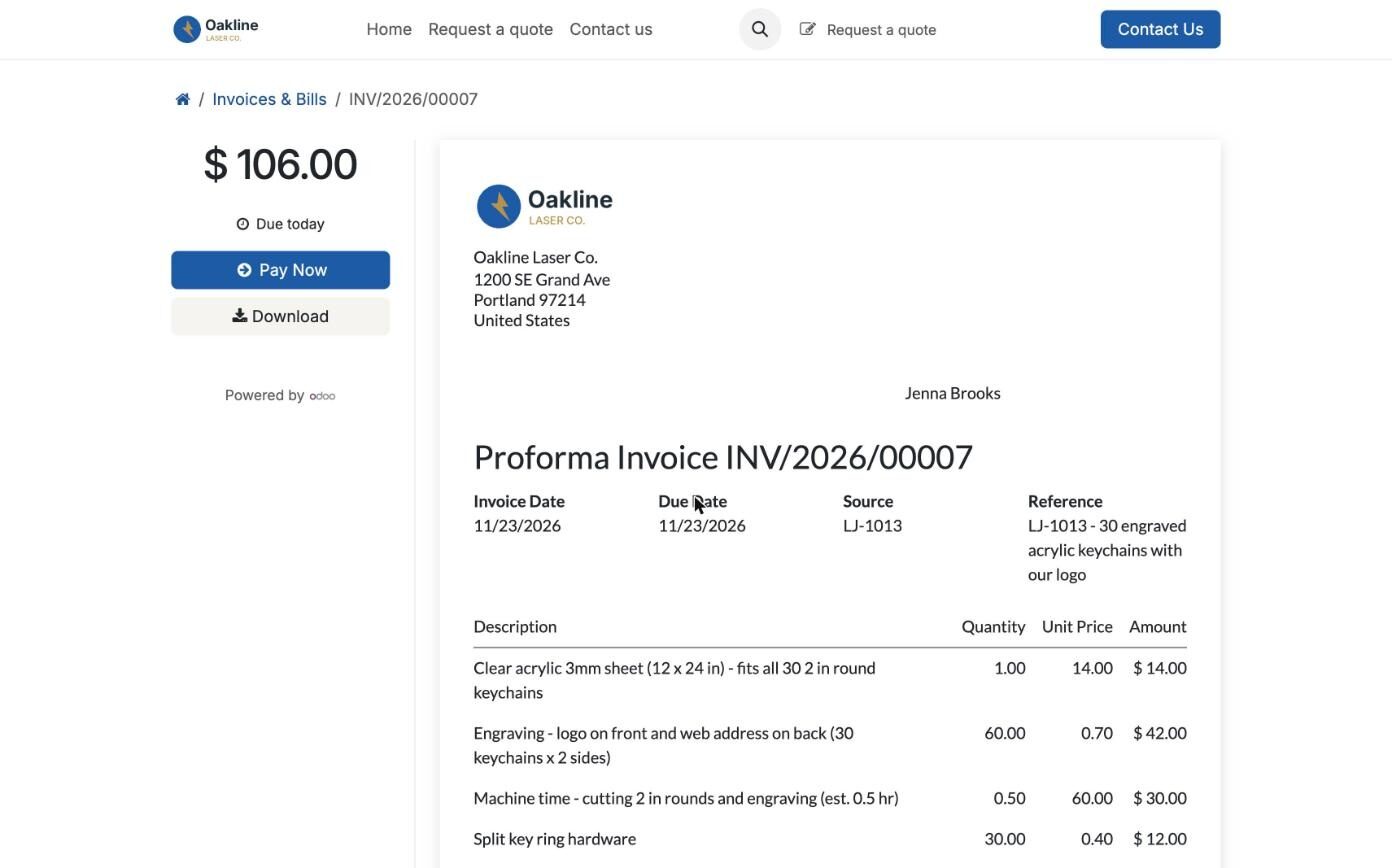
In JobCut Pro, accepting and paying are the same step. The customer opens their quote page, clicks Accept quote and pay, and pays by card on the spot through your own Stripe account. The money goes straight to you.
The invoice is created for them automatically. And the moment the payment lands, the job moves itself to To be made on your board. No checking the bank, no typing, no chasing.
For customers who prefer a bank transfer, marking it paid is one tap. And if a quote or invoice goes quiet, JobCut Pro sends a polite reminder on the schedule you choose, so you never have to write the awkward message yourself.
Your time back
The chasing time drops to almost nothing, and unpaid jobs stop reaching your machine. Every job in To be made is a job that’s already paid for.
Get paid before the laser fires
JobCut Pro handles the requests, quotes, payments and shipping so you can get back to making. The first 10 shops pay $50 a month for their first year, and are up and running in minutes.
Claim a founding spot Watch the tourKeep reading
More time-savers
Quote requests
Quote requests in five inboxes: what it's really costing your laser shop
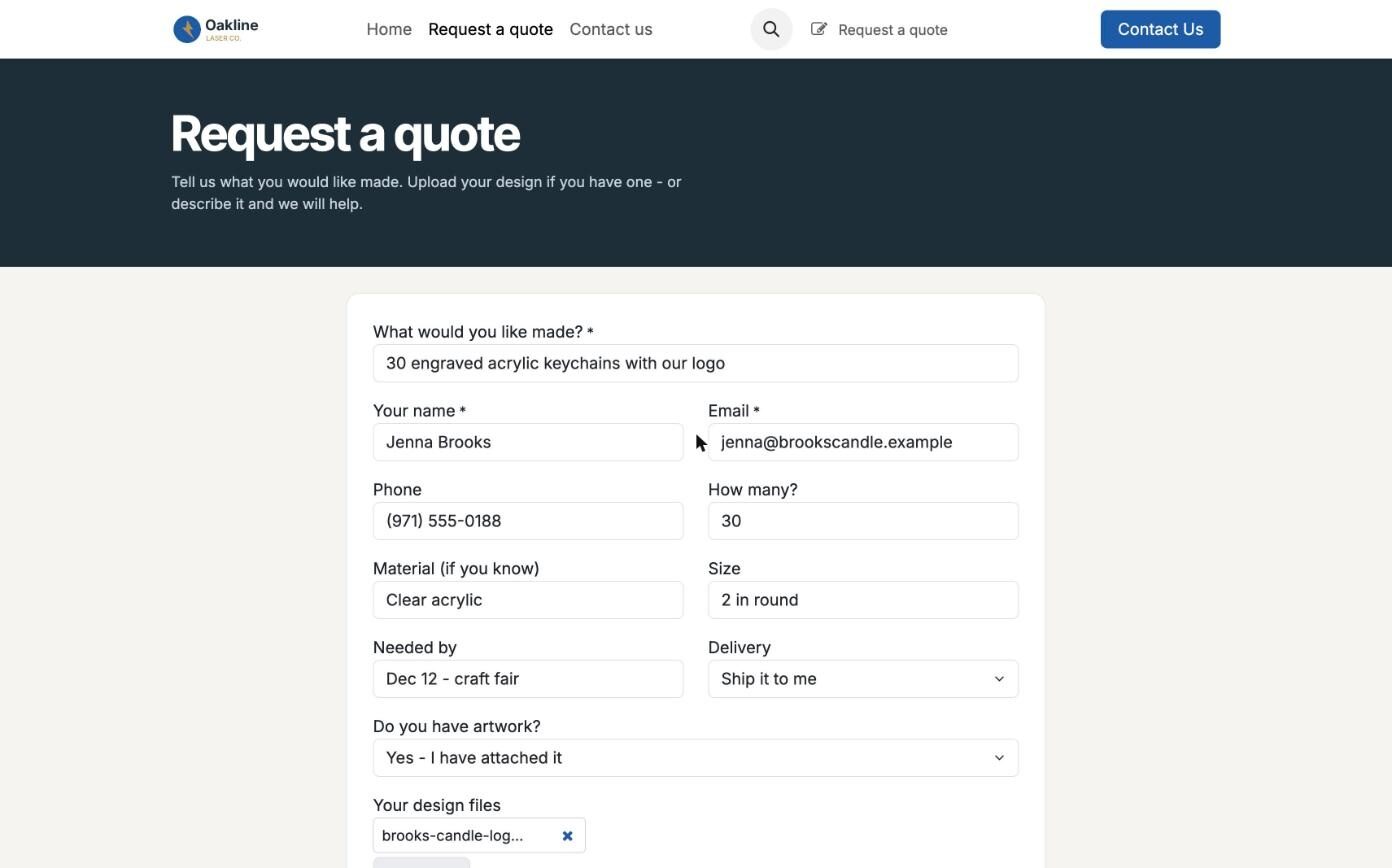
Facebook, Etsy, email, texts. When requests arrive everywhere and half are missing details, the hours add up fast. Here's how to get every request complete, in one place.
Quoting
Why the fastest quote wins (and how to send yours in minutes)
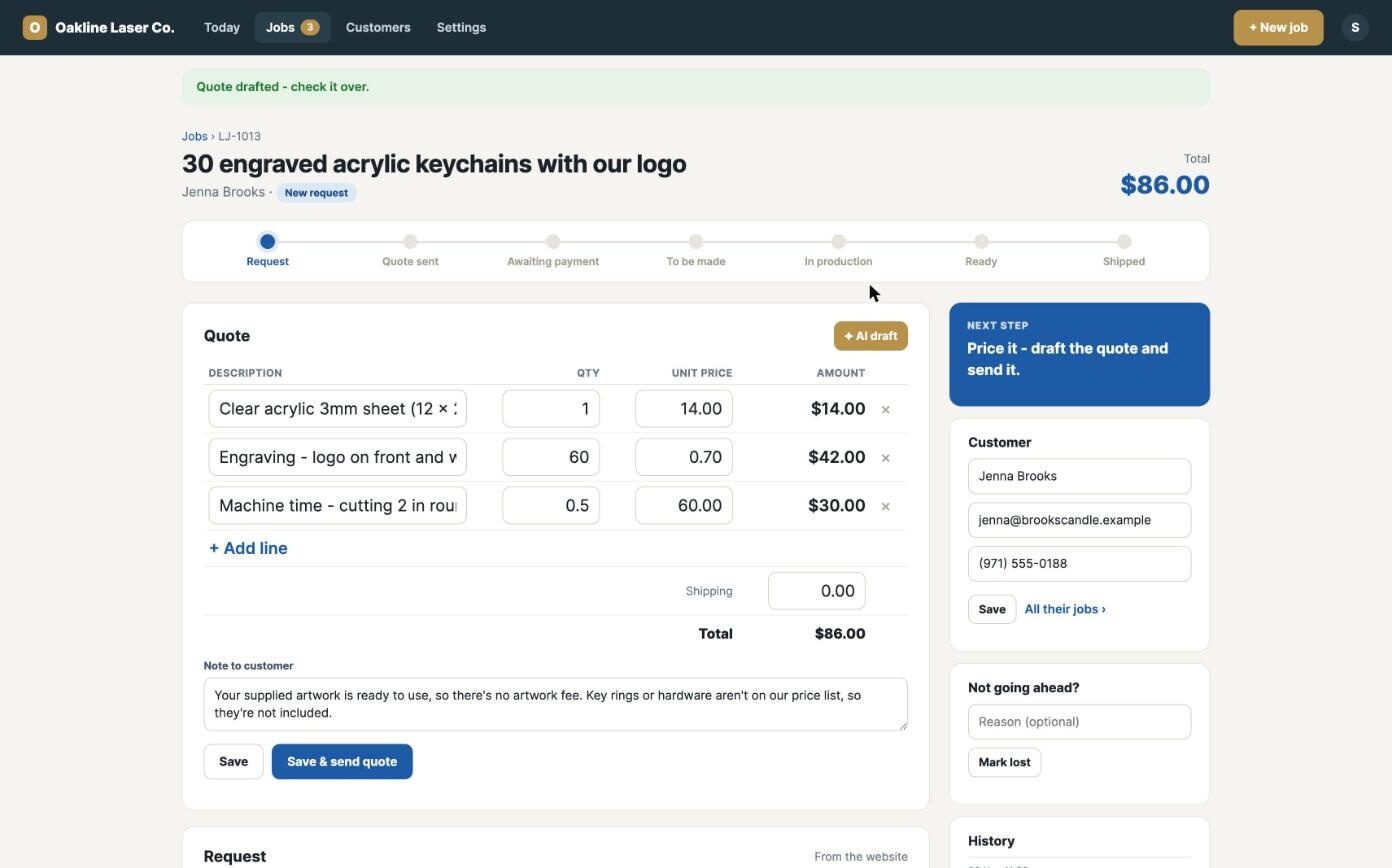
Customers often ask two or three shops for a price. The first good quote back usually wins. Here's why slow quoting costs you jobs, and how AI quotes from your own price list change that.
Job tracking
From sticky notes to a job board you can see from your phone
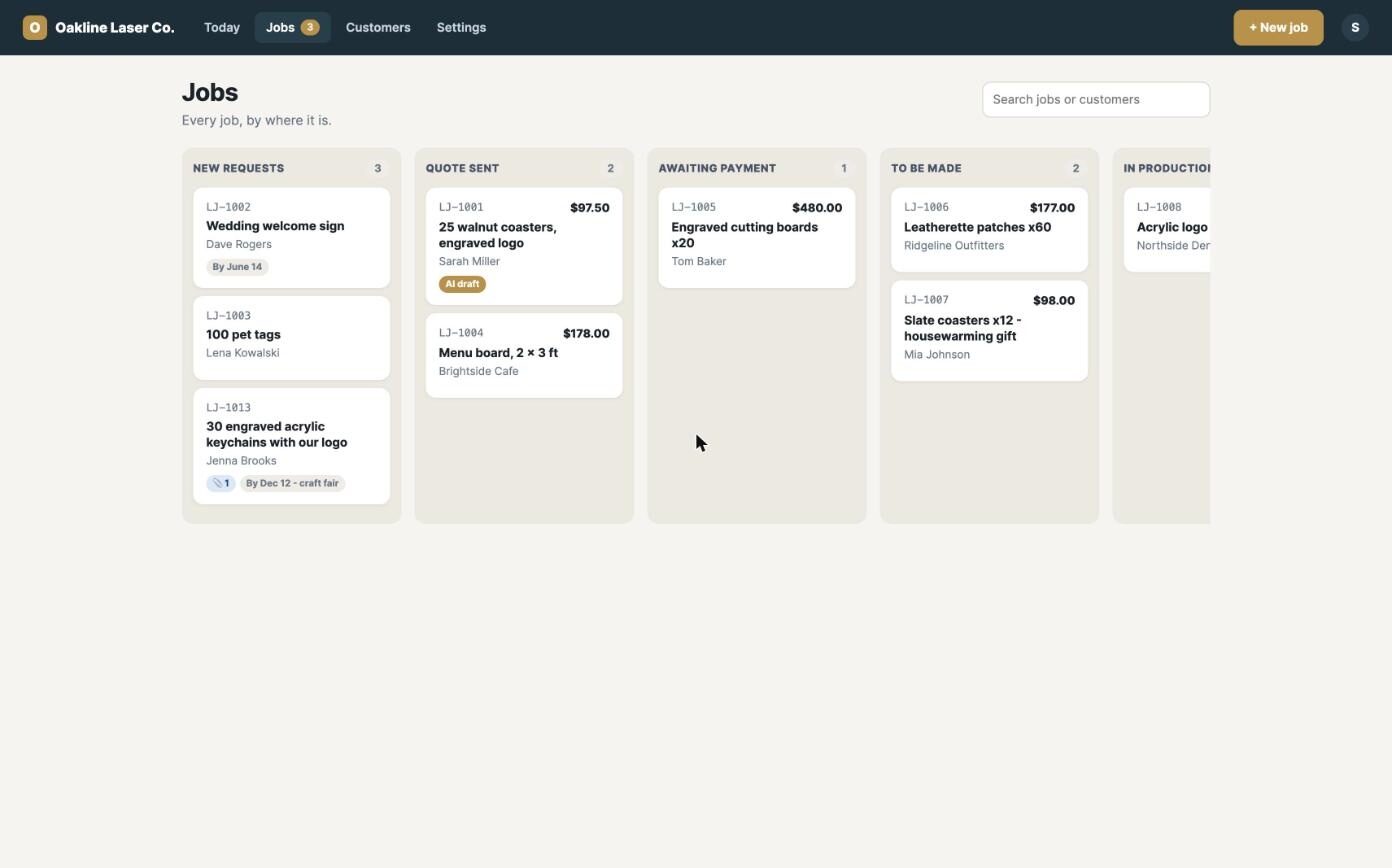
When every job lives in your head, a busy week means something gets missed. Here's what a simple job board changes, and how it handles remakes too.
Founding offer
Run every job from one simple screen
The first 10 shops get the full system for $50 a month for their first year. The next 10 pay $67. Then it is $97 a month.
See it working first
One real order, from the customer's request to delivered, in under three minutes.
Claim your founding spot
- Your own system at yourshop.jobcutpro.com, ready in about a minute
- Sign up in two minutes, add your prices and logo when you are ready
- Website rebuild included
- $99 setup, then from $50 a month for your first year (founding spots left)
Questions first? Email info@jobcutpro.com and Steve or Matt will reply.