
Quoting
Why the fastest quote wins (and how to send yours in minutes)
Customers often ask two or three shops for a price. The first good quote back usually wins. Here's why slow quoting costs you jobs, and how AI quotes from your own price list change that.
How quoting works in most shops
A request comes in. Later that evening, once the machine’s off, you sit down to price it. Material cost, machine time, setup, maybe a mock-up. You type the reply, attach the price, and send it.
For a simple job that might be ten minutes. For anything custom, it can be half an hour.
Where it goes wrong
The work itself isn’t the problem. The timing is. Quotes pile up through the day while you’re cutting, and they only get done when you have a quiet moment, which might be tomorrow.
Meanwhile the customer has asked two other shops the same question. Many customers don’t shop around for the cheapest price. They go with whoever gets back to them first with a clear, professional answer.
What slow quotes cost you
Imagine you quote 15 jobs a week at about 15 minutes each. That’s nearly four hours a week spent on pricing alone.
Now imagine one in five of those customers goes with a faster competitor. If your average job is worth $120, that’s three lost jobs and $360 a week. Over a year it runs into many thousands of dollars in work you were good enough to win, but too slow to catch.
Speed isn’t about rushing. It’s about not letting a good job go cold while it waits in your inbox.
These numbers are an example, not a promise. Plug in your own and the pattern is usually the same.
What a fast quote looks like
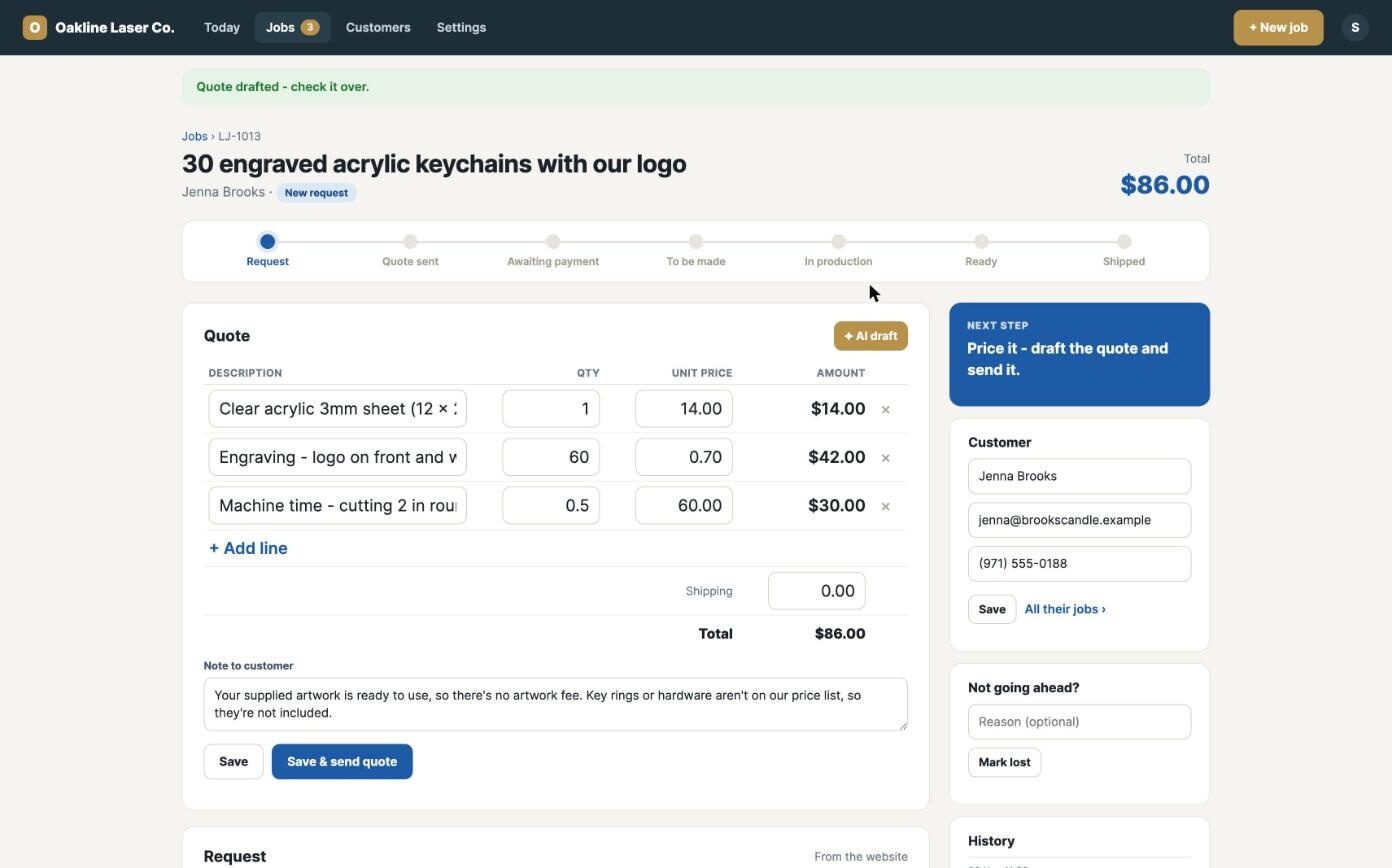
In JobCut Pro, the AI drafts the quote the moment the request lands. It reads what the customer asked for and prices it from your own price list: your materials, your machine rate, your setup fee. Not someone else’s guesses.
When you open the job, the lines are already there. You check them, add anything it missed, and press Preview to see exactly what the customer will see. Then you press Send.
The customer gets a clean quote page with every line priced, their design, and an Accept quote and pay button. No PDF to download, no email back and forth.
Your time back
In the example above, four hours of pricing a week becomes about an hour of checking. And because quotes go out in minutes instead of a day, more of them turn into jobs.
Quotes drafted before you've opened the job
JobCut Pro handles the requests, quotes, payments and shipping so you can get back to making. The first 10 shops pay $50 a month for their first year, and are up and running in minutes.
Claim a founding spot Watch the tourKeep reading
More time-savers
Quote requests
Quote requests in five inboxes: what it's really costing your laser shop
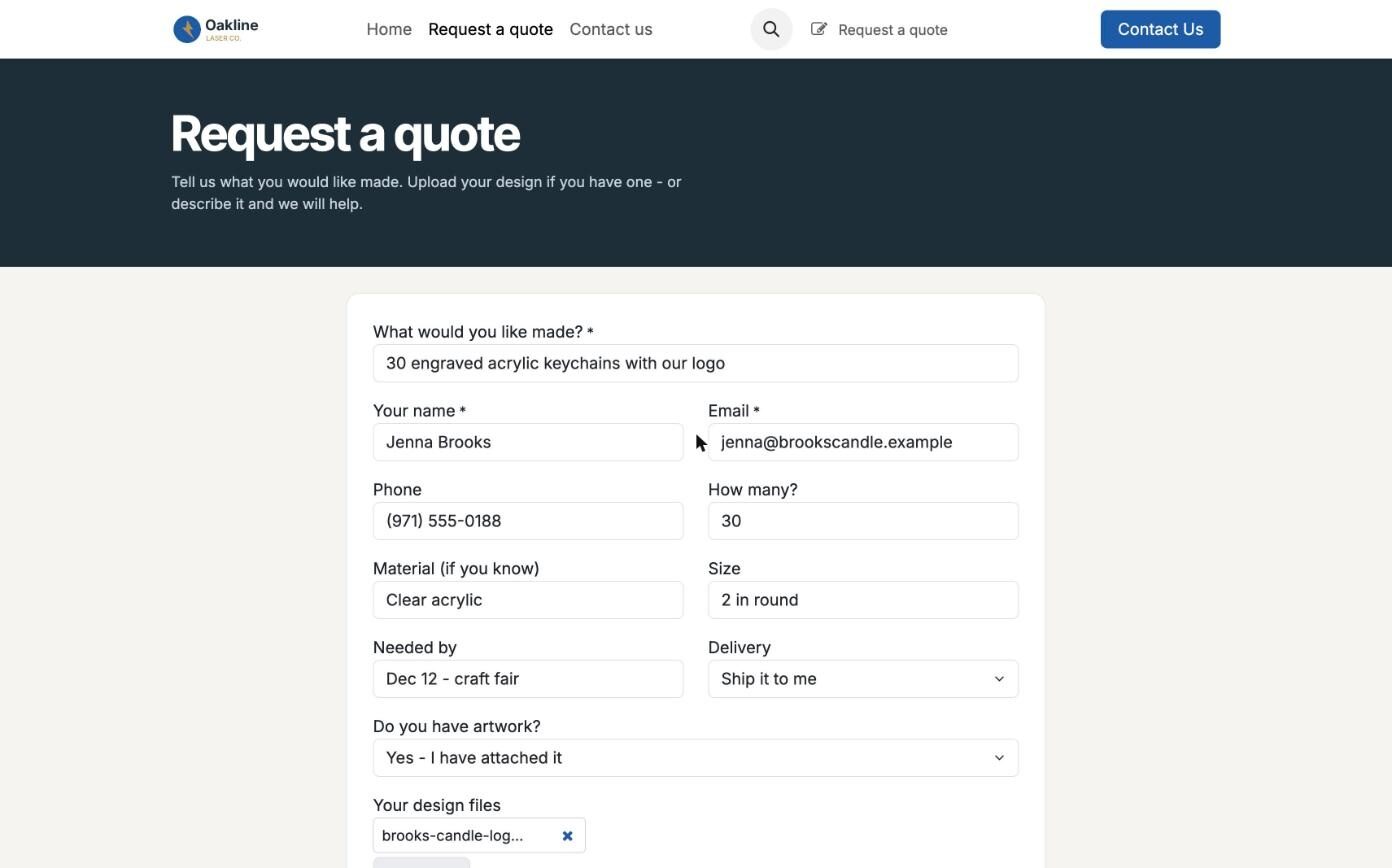
Facebook, Etsy, email, texts. When requests arrive everywhere and half are missing details, the hours add up fast. Here's how to get every request complete, in one place.
Getting paid
Stop chasing payments before you cut
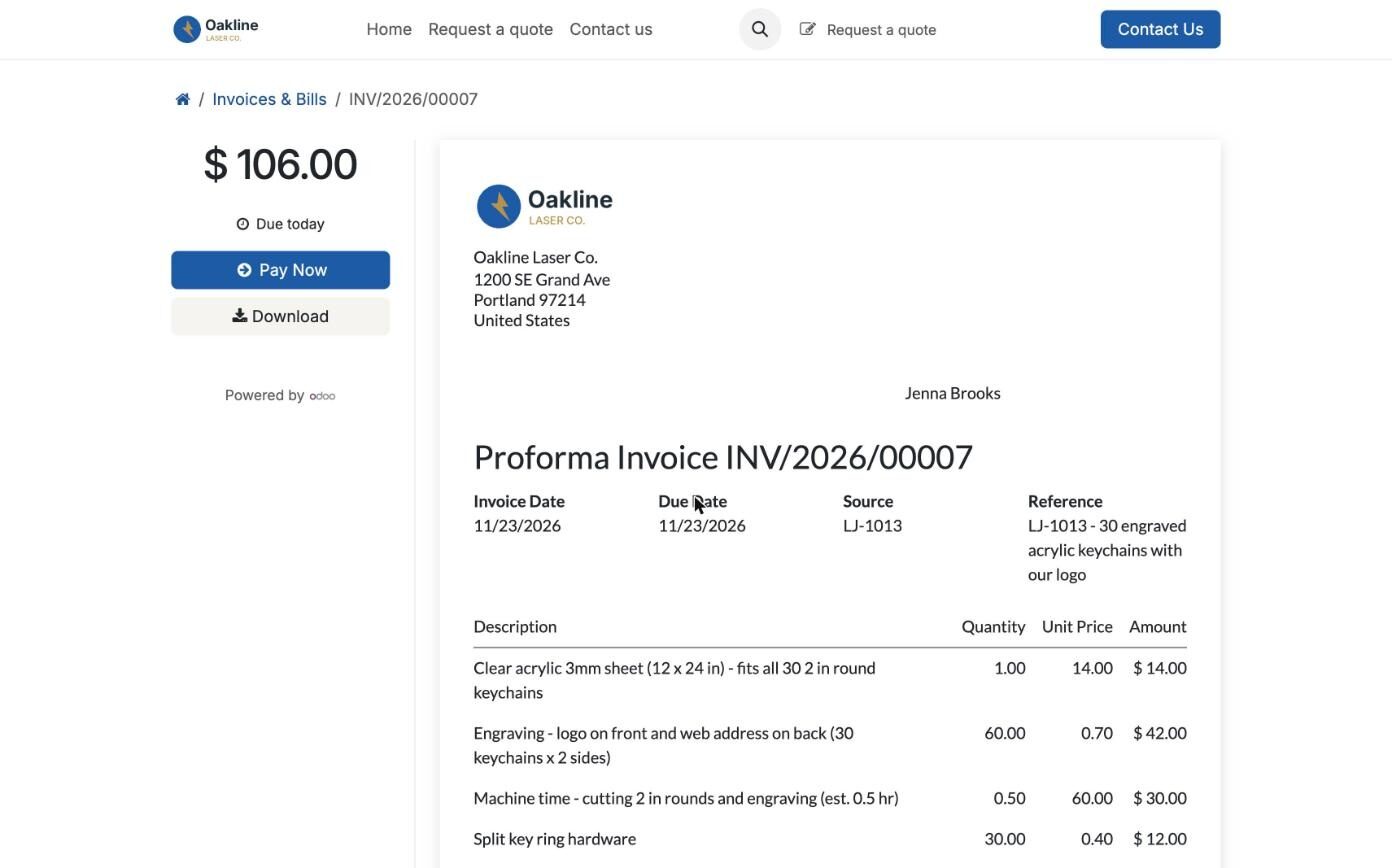
Starting jobs on trust, or sending awkward reminders? Here's how to get paid up front, by card, without a single chasing message.
Job tracking
From sticky notes to a job board you can see from your phone
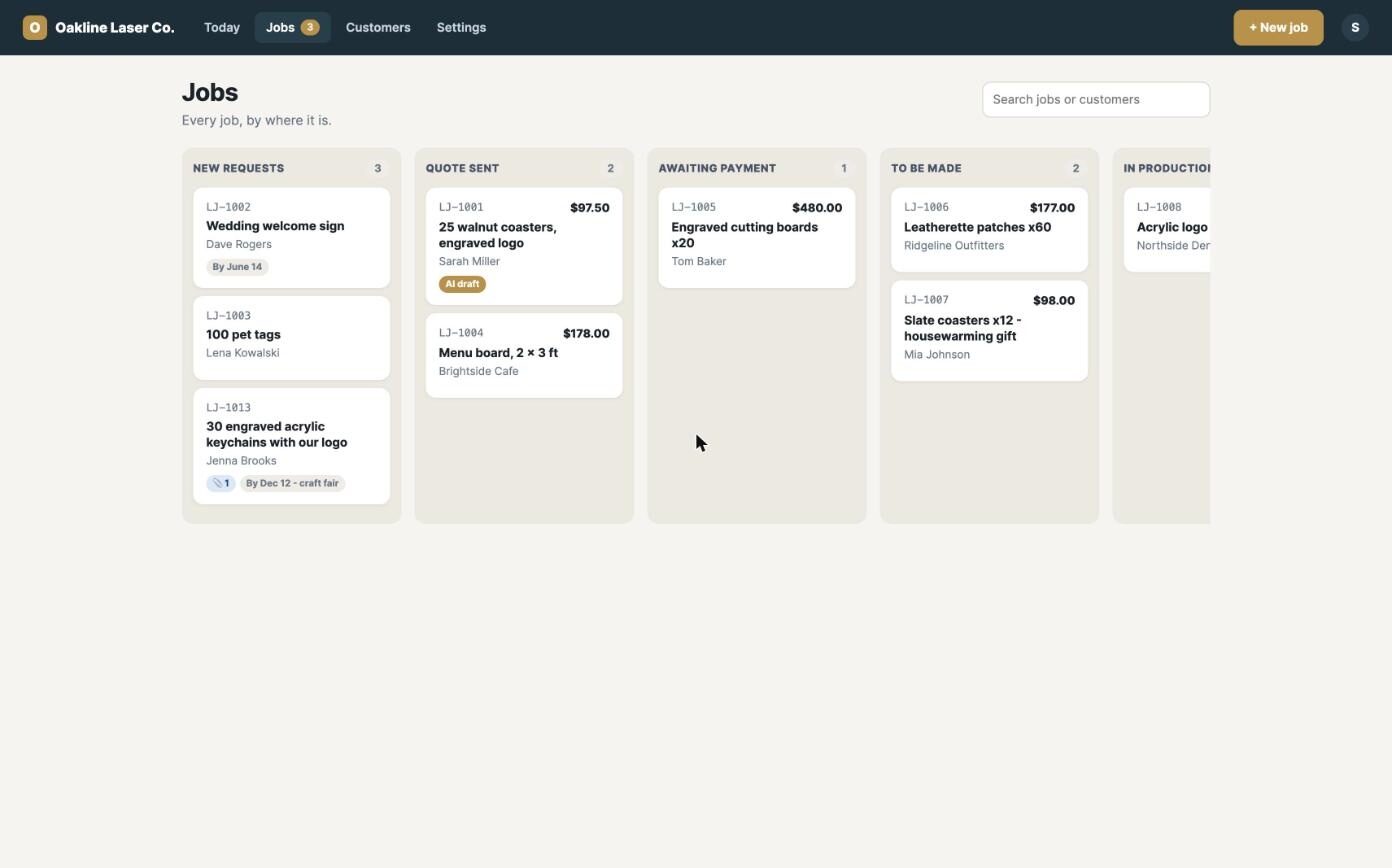
When every job lives in your head, a busy week means something gets missed. Here's what a simple job board changes, and how it handles remakes too.
Founding offer
Run every job from one simple screen
The first 10 shops get the full system for $50 a month for their first year. The next 10 pay $67. Then it is $97 a month.
See it working first
One real order, from the customer's request to delivered, in under three minutes.
Claim your founding spot
- Your own system at yourshop.jobcutpro.com, ready in about a minute
- Sign up in two minutes, add your prices and logo when you are ready
- Website rebuild included
- $99 setup, then from $50 a month for your first year (founding spots left)
Questions first? Email info@jobcutpro.com and Steve or Matt will reply.