
Job tracking
From sticky notes to a job board you can see from your phone
When every job lives in your head, a busy week means something gets missed. Here's what a simple job board changes, and how it handles remakes too.
How most shops track jobs
A whiteboard. A notebook. Sticky notes on the side of the machine. A spreadsheet you update when you remember. And the rest is in your head: who’s paid, what’s cut, what’s waiting for a box, what you promised for Friday.
Where it breaks
It works fine on a quiet week. Then you get a rush of orders, a big custom job lands, and suddenly you’re not sure if the Johnson order was paid, or if the coasters went out yesterday or are still on the bench.
So you scroll back through messages, check the bank, and dig through the pile. And sometimes a job slips. A deadline is missed, or a customer gets told “it’s on its way” when it isn’t.
What it costs
Ten minutes a day of “where was I with that one?” is over an hour a week. But the real cost is the missed deadline or the forgotten job. One unhappy customer who tells their friends can cost you far more than the job was worth.
Then there are mistakes. A wrong spelling, a parcel damaged in the post. The remake has to be tracked separately from scratch, and it’s easy to lose.
What it looks like when it’s fixed
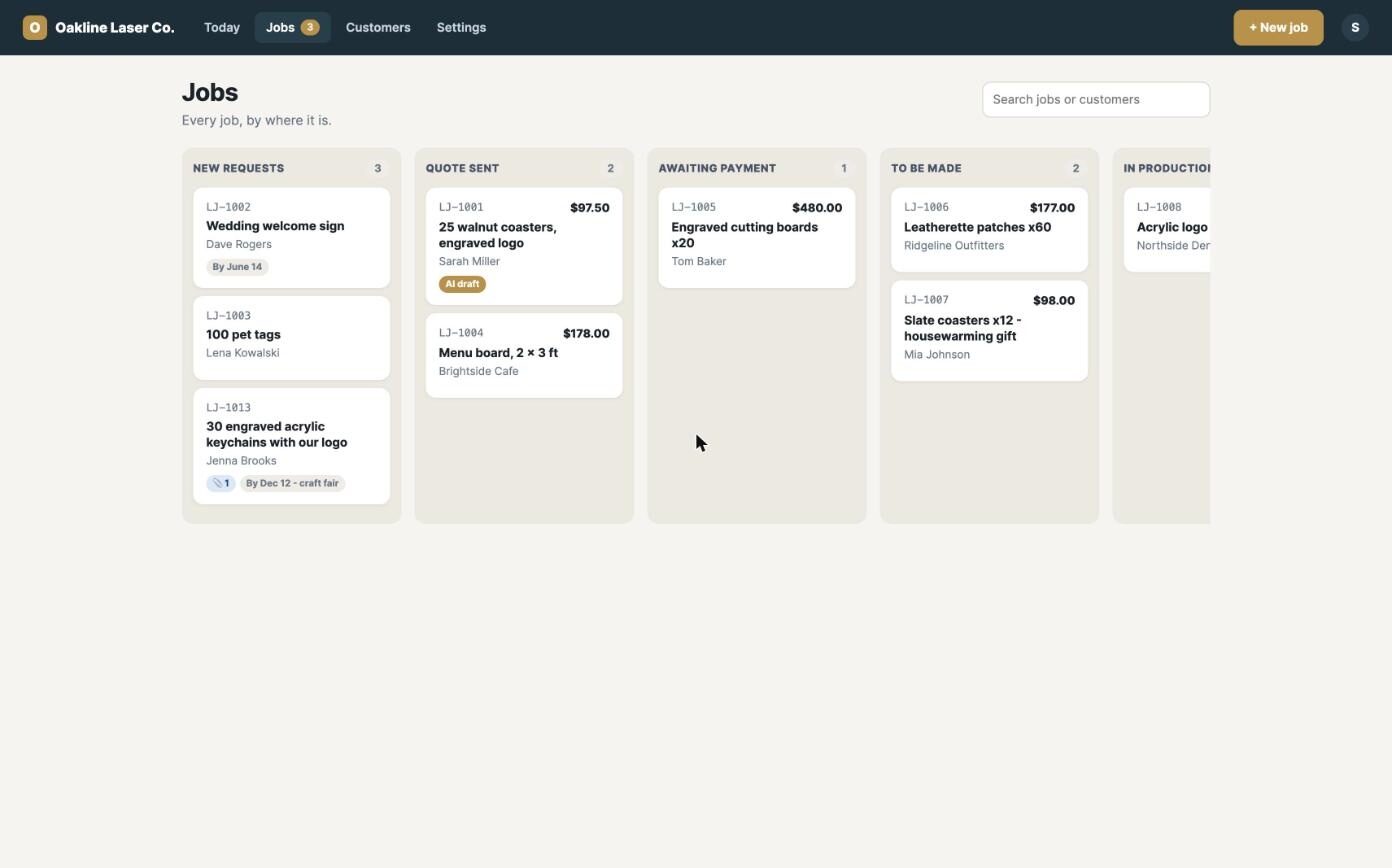
JobCut Pro gives you a board with every job by stage: new requests, quotes sent, awaiting payment, to be made, shipped. Paid jobs move themselves. Shipped jobs move themselves. You only move a job when you’ve actually done something.
On your phone, the stages stack one under another, so you can check what’s next from the workshop. And the Today screen tells you exactly what needs you right now.
When something goes wrong after a job has shipped, one button creates a free remake, linked to the original, with the same files and lines, straight into To be made. The remake is tracked like any other job.
Your time back
No more hunting for where a job is up to. Most shop owners get back an hour or more a week, and stop carrying the whole order list around in their head.
See every job, by stage, at a glance
JobCut Pro handles the requests, quotes, payments and shipping so you can get back to making. The first 10 shops pay $50 a month for their first year, and are up and running in minutes.
Claim a founding spot Watch the tourKeep reading
More time-savers
Quote requests
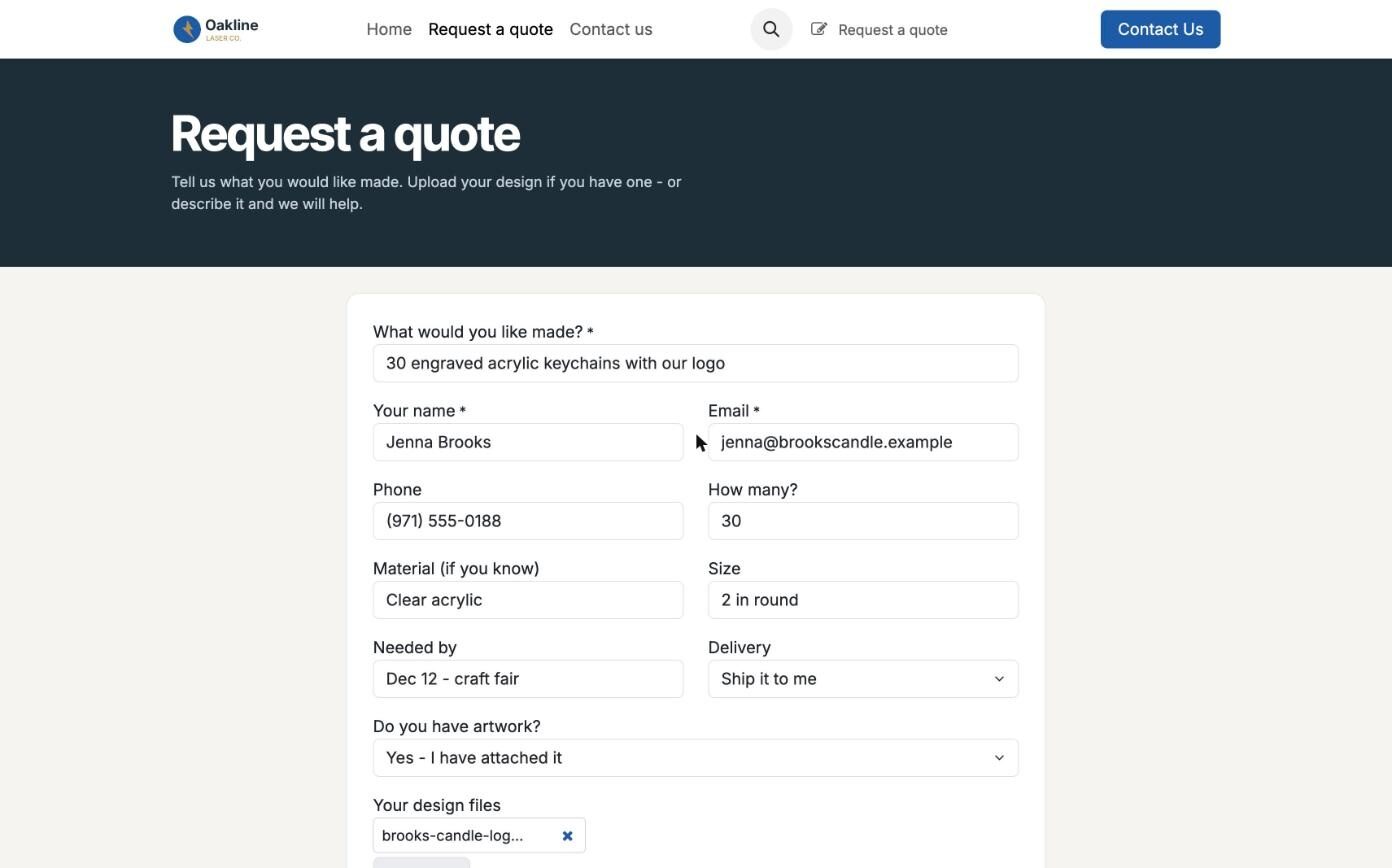
Quote requests in five inboxes: what it's really costing your laser shop
Facebook, Etsy, email, texts. When requests arrive everywhere and half are missing details, the hours add up fast. Here's how to get every request complete, in one place.
Quoting
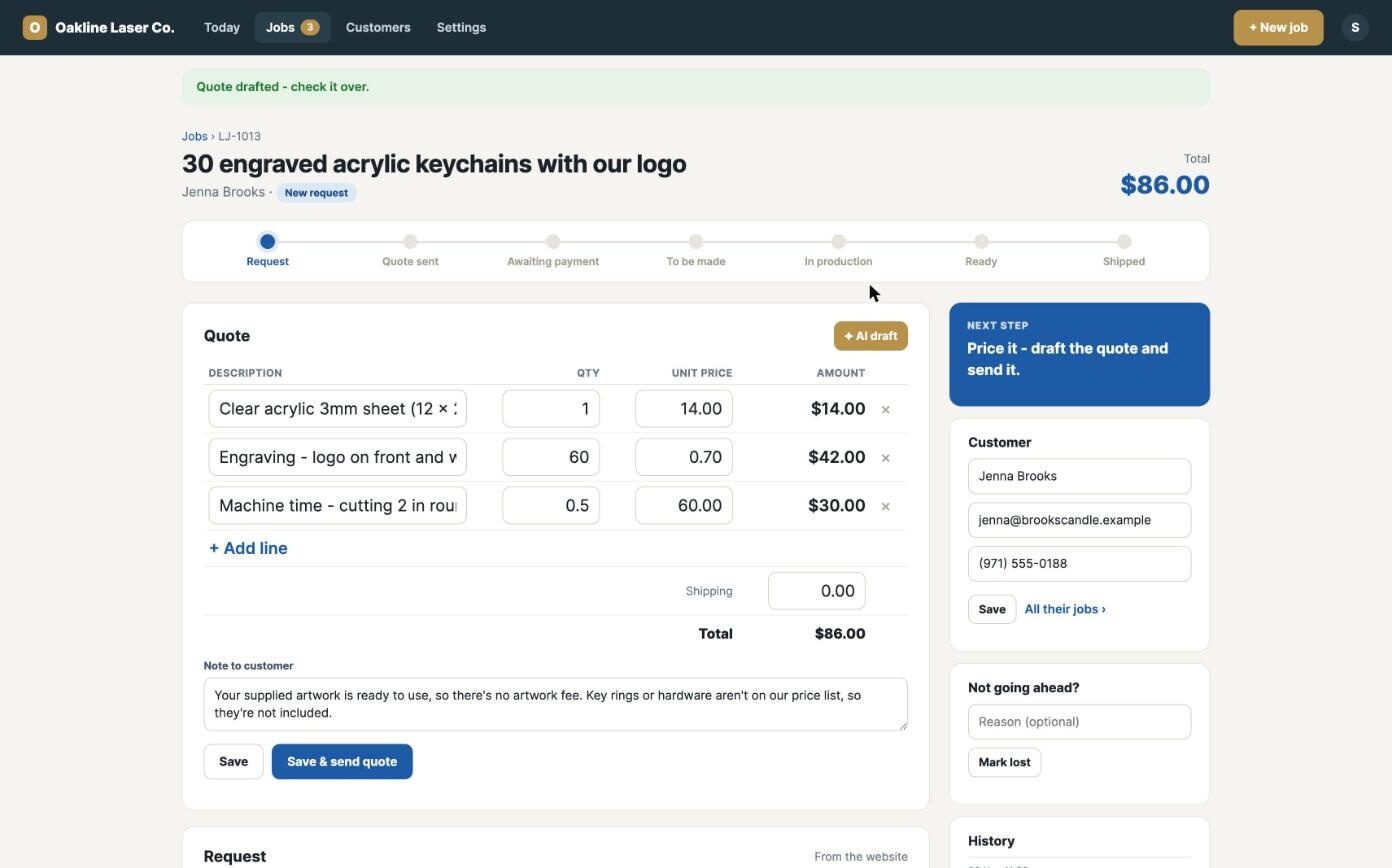
Why the fastest quote wins (and how to send yours in minutes)
Customers often ask two or three shops for a price. The first good quote back usually wins. Here's why slow quoting costs you jobs, and how AI quotes from your own price list change that.
Getting paid
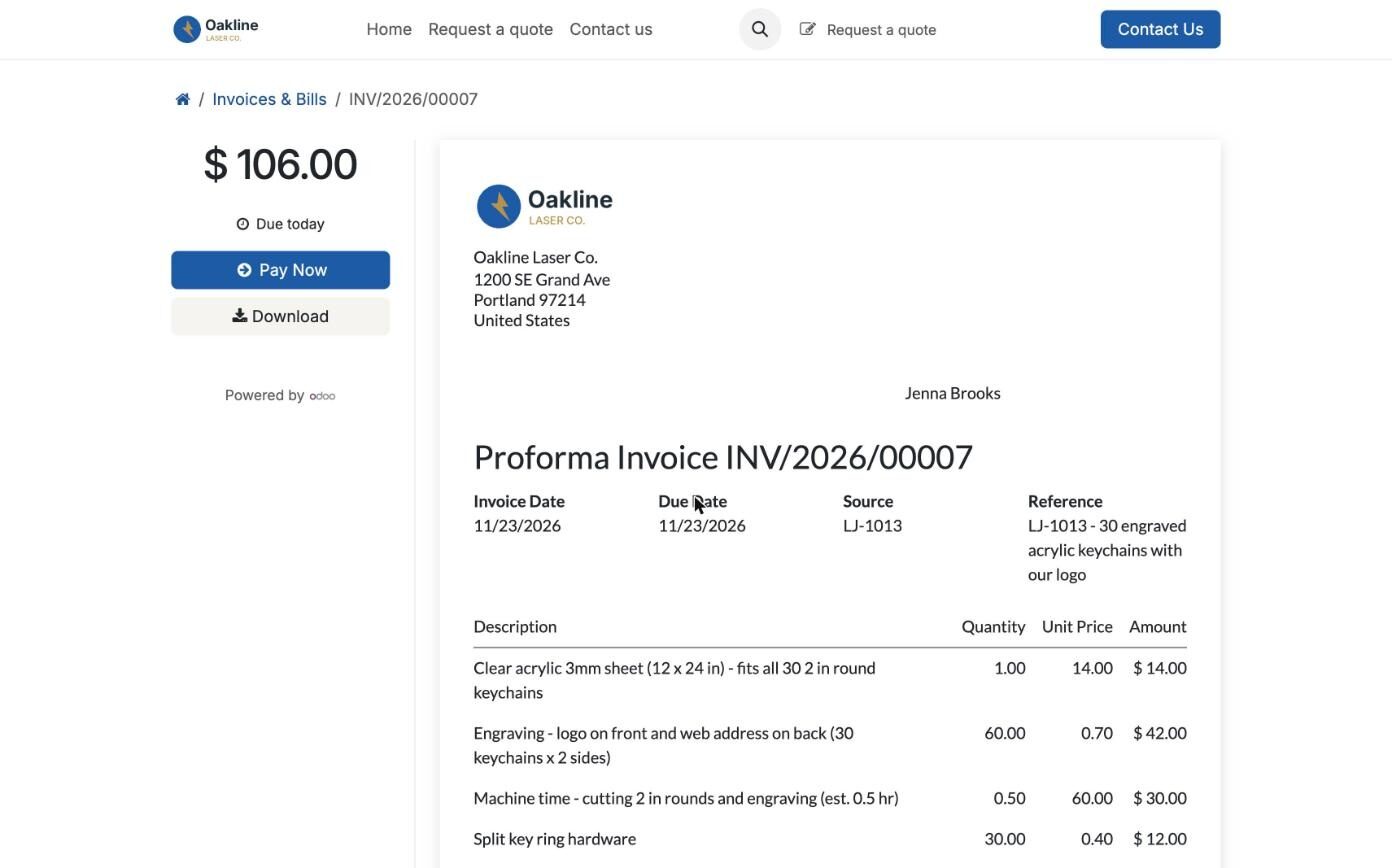
Stop chasing payments before you cut
Starting jobs on trust, or sending awkward reminders? Here's how to get paid up front, by card, without a single chasing message.
Founding offer
Run every job from one simple screen
The first 10 shops get the full system for $50 a month for their first year. The next 10 pay $67. Then it is $97 a month.
See it working first
One real order, from the customer's request to delivered, in under three minutes.
Claim your founding spot
- Your own system at yourshop.jobcutpro.com, ready in about a minute
- Sign up in two minutes, add your prices and logo when you are ready
- Website rebuild included
- $99 setup, then from $50 a month for your first year (founding spots left)
Questions first? Email info@jobcutpro.com and Steve or Matt will reply.