
Shipping
Copying tracking numbers at 9pm? Let the label do the work
Typing addresses into the carrier site and copying tracking numbers back to customers eats your evenings. Here's how to print labels and send tracking from the job itself.
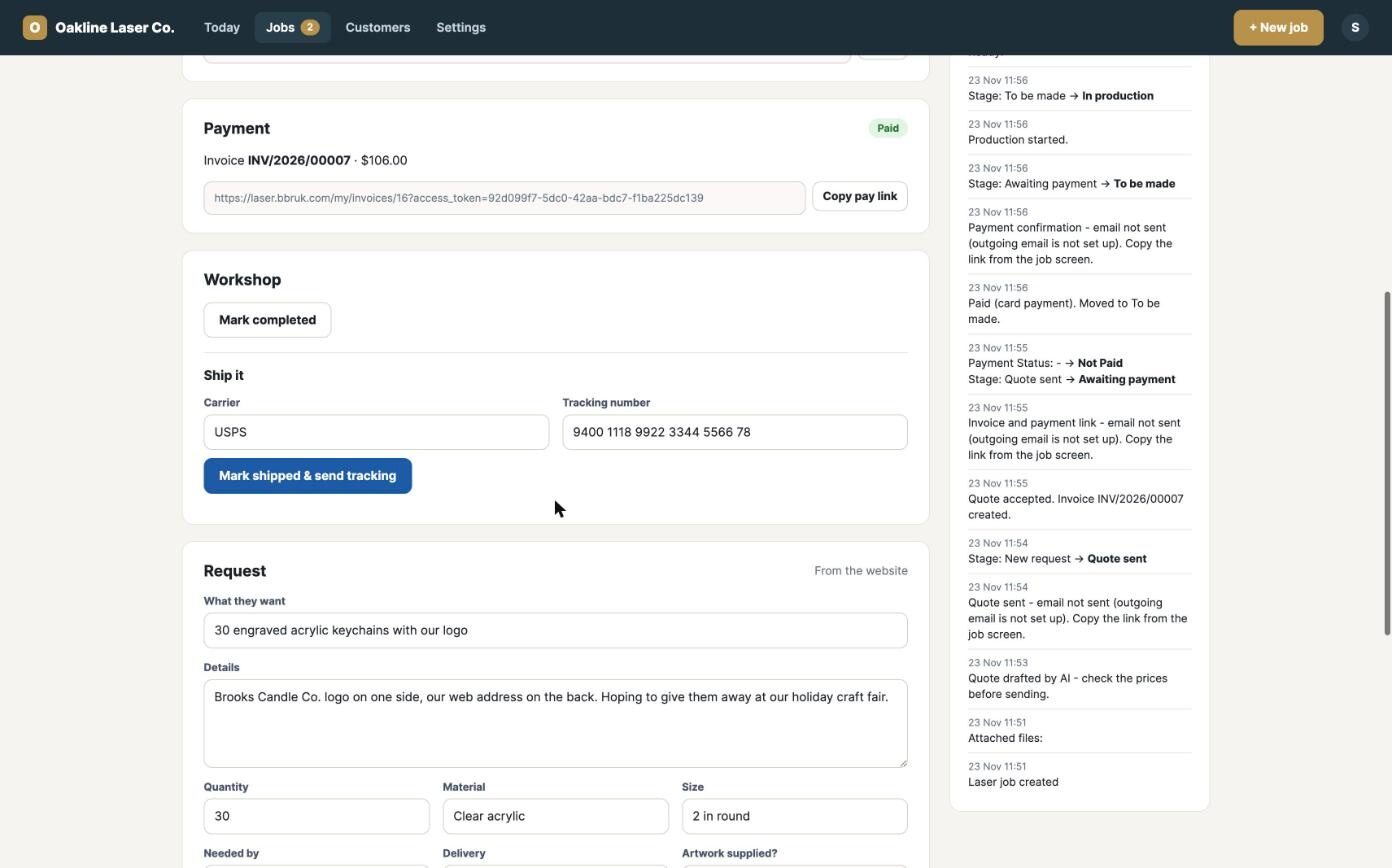
How shipping works now
The job’s packed and ready. You open the carrier’s website, copy the customer’s address in, enter the box size and weight, pay for the label and print it.
Then you copy the tracking number, go back to the customer’s message thread, paste it in and write a quick note. Then you mark the job as done somewhere, if you remember.
The hidden cost
Each one only takes a few minutes. But it’s a few minutes of copying and pasting, switching between tabs, and it usually happens at the end of the day when you’re tired. That’s when typos happen: a wrong house number, a tracking number sent to the wrong customer.
What it adds up to
Say each shipment takes five minutes from start to finish. Ship 15 orders a week and that’s well over an hour, every week, just moving the same information between screens.
Then there are the follow-up messages: “Has my order shipped?” “Do you have a tracking number?” Each one is another interruption.
What it looks like when it’s fixed
In JobCut Pro, the customer enters their delivery address when they accept the quote, so it’s already on the job. When the job’s ready, you press Get label prices and pick a rate from USPS, UPS, FedEx or DHL.
One more tap buys the label. The PDF is saved on the job, ready to print, and the tracking number is emailed to the customer automatically. Their order status page updates too, so they can check for themselves instead of messaging you.
Labels are bought through your own Shippo account at the carrier’s normal rates. Shipping something another way? You can still type the tracking number in by hand.
Your time back
Five minutes per shipment becomes about thirty seconds. On 15 shipments that’s more than an hour back every week, and far fewer “where’s my order?” messages.
Print the label, and the tracking sends itself
JobCut Pro handles the requests, quotes, payments and shipping so you can get back to making. The first 10 shops pay $50 a month for their first year, and are up and running in minutes.
Claim a founding spot Watch the tourKeep reading
More time-savers
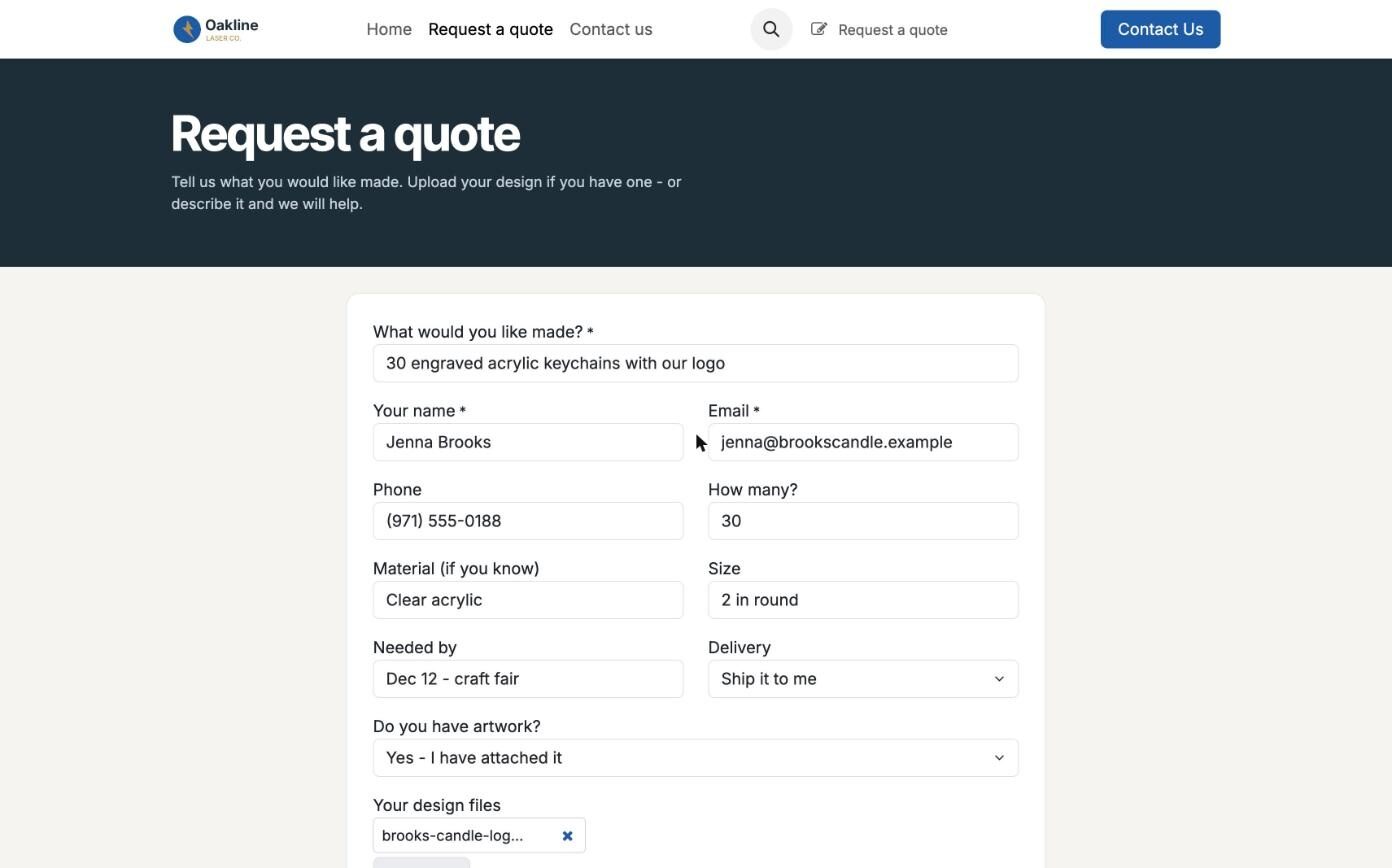
Quote requests
Quote requests in five inboxes: what it's really costing your laser shop
Facebook, Etsy, email, texts. When requests arrive everywhere and half are missing details, the hours add up fast. Here's how to get every request complete, in one place.
Quoting
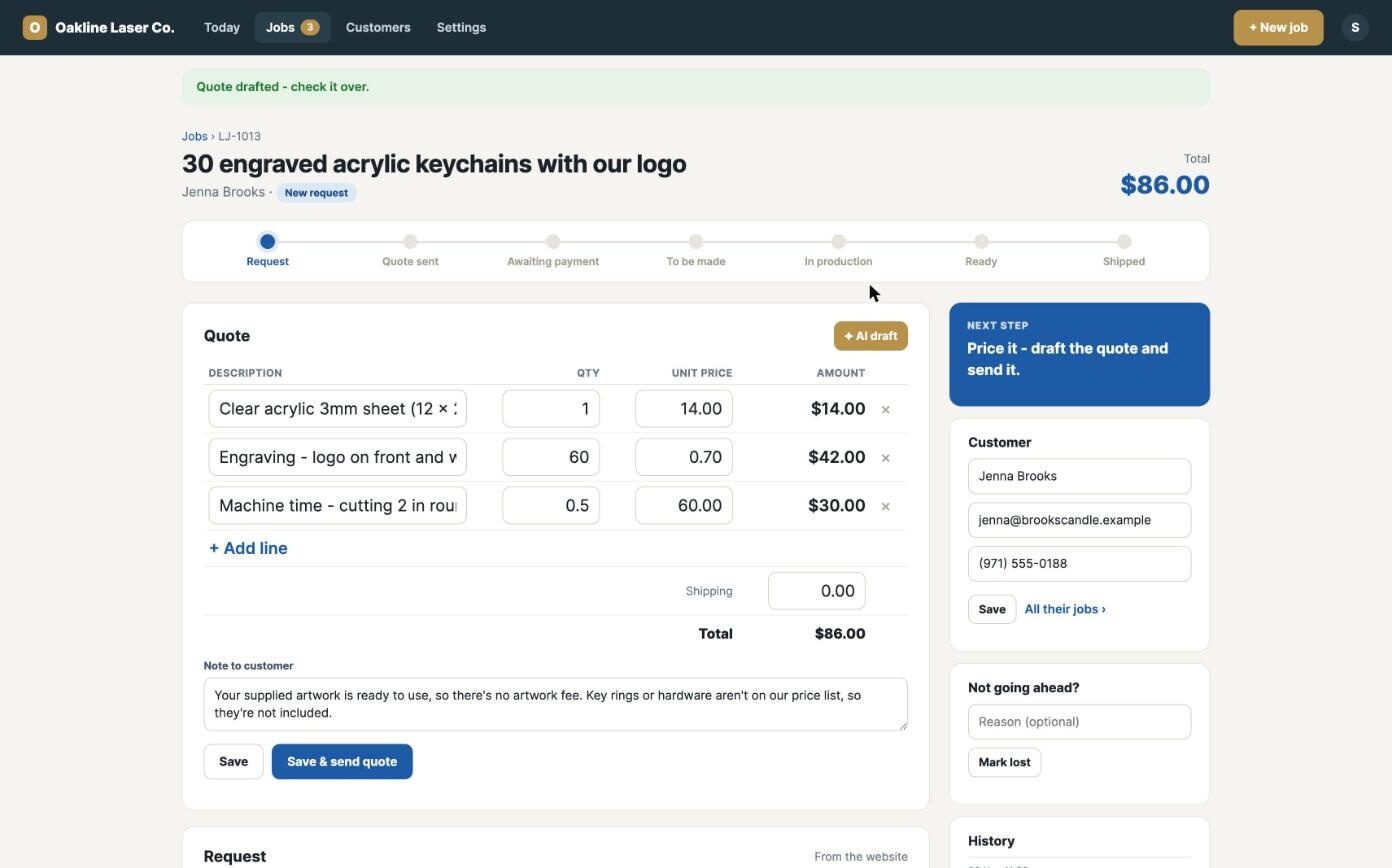
Why the fastest quote wins (and how to send yours in minutes)
Customers often ask two or three shops for a price. The first good quote back usually wins. Here's why slow quoting costs you jobs, and how AI quotes from your own price list change that.
Getting paid
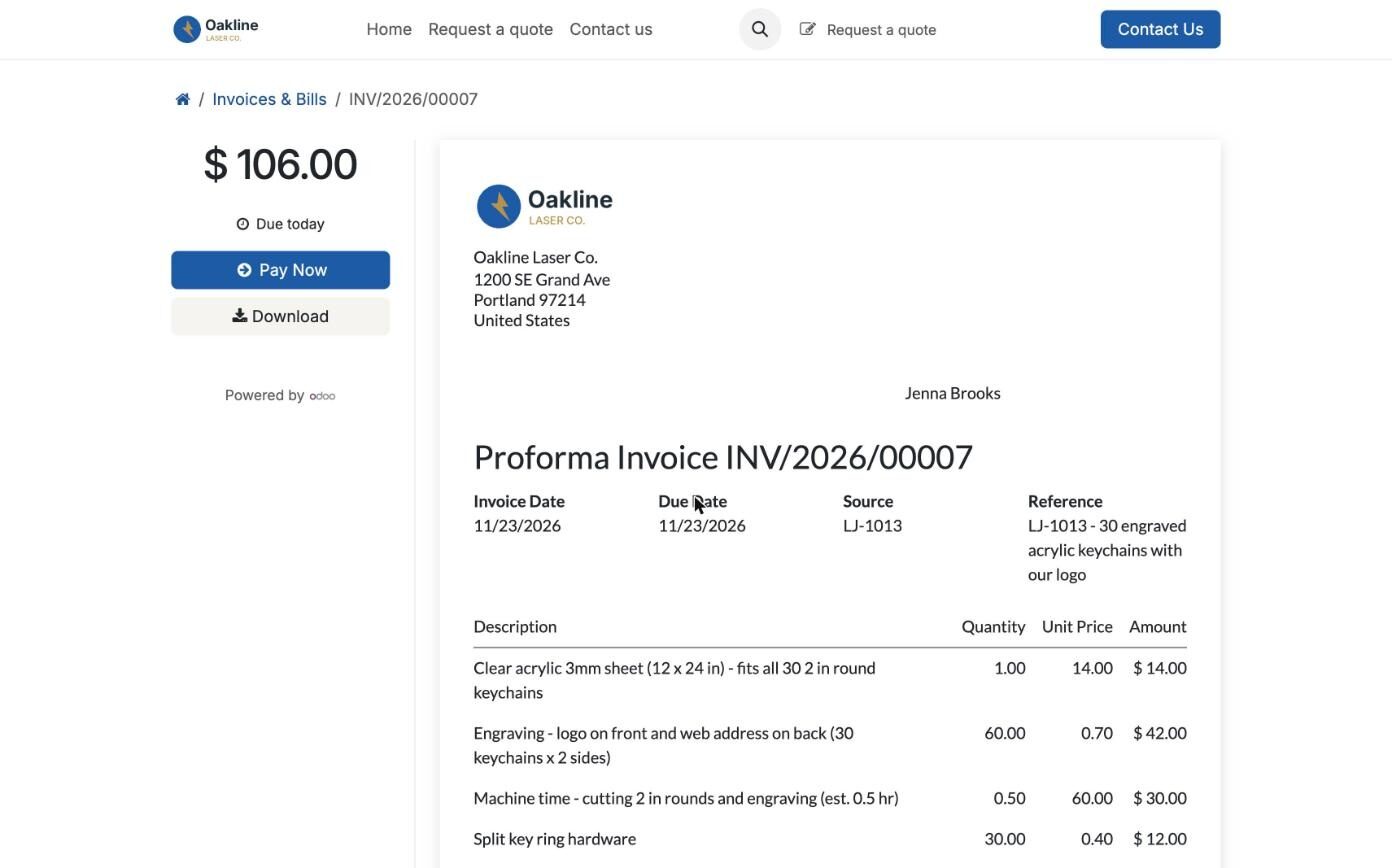
Stop chasing payments before you cut
Starting jobs on trust, or sending awkward reminders? Here's how to get paid up front, by card, without a single chasing message.
Founding offer
Run every job from one simple screen
The first 10 shops get the full system for $50 a month for their first year. The next 10 pay $67. Then it is $97 a month.
See it working first
One real order, from the customer's request to delivered, in under three minutes.
Claim your founding spot
- Your own system at yourshop.jobcutpro.com, ready in about a minute
- Sign up in two minutes, add your prices and logo when you are ready
- Website rebuild included
- $99 setup, then from $50 a month for your first year (founding spots left)
Questions first? Email info@jobcutpro.com and Steve or Matt will reply.